
The Modern B2B Wholesale Operations Stack

Last verified: June 2026
Key takeaways
- A modern B2B wholesale stack combines a purpose-built e-commerce platform, CRM, payments, fulfillment, ERP, and BI — each layer doing a specific job.
- By the end of 2026, 80% of B2B sales interactions are projected to happen through digital channels — getting your stack right now matters more than ever.
- B2B platforms need features B2C tools don't: custom catalogs, tiered pricing, corporate account hierarchies, and net payment terms.
- ERP integration is the connective tissue — without it, inventory, orders, and finance data live in silos.
- Not every tool here is right for every wholesale brand — the closing section maps which layers are essential at which stage.
Most wholesale brands hit the same wall. They're running B2B orders through a patched-together combination of spreadsheets, a consumer e-commerce platform bolted on with workarounds, and a CRM that sales reps half-ignore. It works — until it doesn't. A £200,000 order goes out at the wrong price because someone forgot to update the customer-specific tier. A key account's buyer logs in and gets the same storefront as a retail customer. Finance is manually reconciling invoices at month-end that an ERP could handle in seconds.
This stack is for brands that are done with that. Specifically, it's for wholesale and distribution operations running meaningful B2B volume — whether you're a manufacturer moving into direct wholesale, a distributor managing hundreds of trade accounts, or an e-commerce brand that's added a B2B channel and needs it to behave like a proper business operation. If you're running both B2B and B2C channels, the architecture here applies equally.
The tools below are organised by function. We've covered what each one actually does well, where it falls short, and how the pieces fit together. No filler. No tools included just to pad the list.
E-commerce platform
Your B2B storefront isn't just a shop — it's a self-service portal for trade accounts. That means custom catalogs per customer, approval workflows for large orders, multiple buyer roles within a single account, and quote-to-order flows. Consumer platforms aren't built for this. The two tools below are.
Adobe Commerce
Adobe Commerce is the enterprise-tier option here — a highly flexible platform that handles B2B and B2C operations from a single installation, which makes it a practical fit for brands running trade and retail channels in parallel.

Strengths
- AI-driven personalisation and product recommendations, useful for surfacing relevant SKUs across large B2B catalogs
- Multi-site, multi-brand, and multi-language support — run separate storefronts for different markets or customer segments from one back-end
- Headless commerce architecture and extensive API support for custom B2B buyer experiences
Best fit
Mid- to large-scale enterprises that need deep customisation, multi-region capability, and tight integration with Adobe Experience Cloud or major ERP systems like SAP and NetSuite. Worth knowing: pricing is not publicly published and is custom-quoted based on Gross Merchandise Value (GMV), so budget conversations happen before demos.
OroCommerce
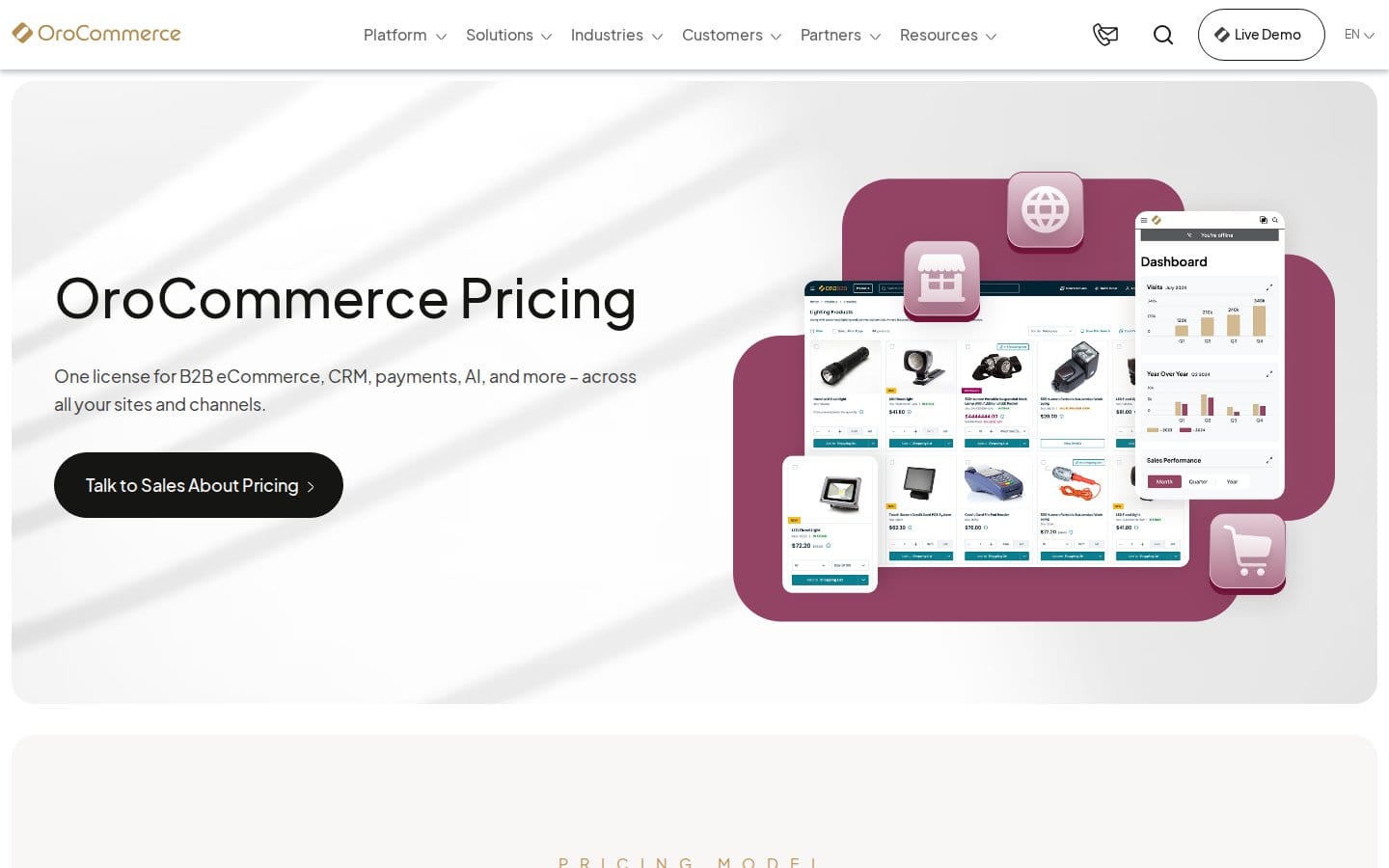
OroCommerce is purpose-built for B2B — not a B2C platform with B2B features bolted on, which matters more than most people realise when you're managing hundreds of trade accounts with different pricing rules.
Strengths
- Corporate account management with full hierarchy and access controls — buyer roles, approval chains, and spending limits all handled natively
- Customisable workflows for sales processes, order approvals, and fulfillment steps
- Built-in B2B CRM for managing accounts, pipeline activities, and contacts without needing a separate CRM at early stage
Best fit
Mid-market manufacturers, distributors, and wholesalers that need genuine B2B workflow flexibility out of the box. The Community Edition is free, but it lacks advanced features and dedicated support — most serious operations end up on Enterprise Edition.
Customer relationship management (CRM)
In B2B wholesale, a CRM isn't optional. You're managing long sales cycles, account-specific terms, reorder cadences, and relationships with multiple contacts per customer. A good CRM tracks all of that and feeds your sales team context before every call. The two options here serve different company sizes and complexity levels.
HubSpot
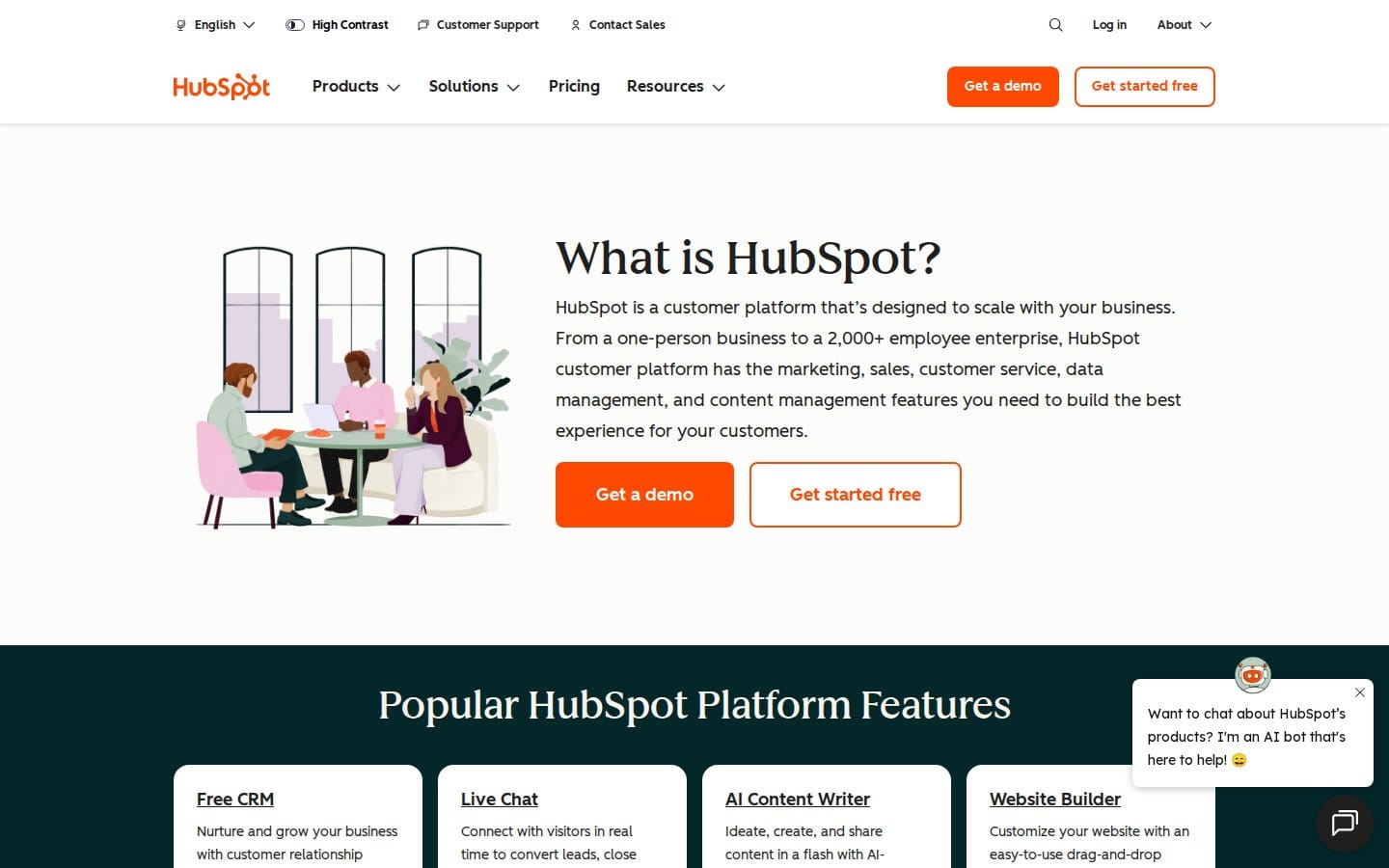
HubSpot has grown well beyond its marketing roots. It's now a credible full-suite CRM for wholesale brands that want sales pipeline management, deal tracking, and customer communication in one place — without enterprise-level setup time.
Strengths
- Free CRM core with sales pipeline management, email tracking, and deal stages — a genuine starting point for smaller wholesale operations
- Marketing automation that handles B2B nurture sequences, onboarding flows for new trade accounts, and reorder reminders
- Native integrations with Gmail, Outlook, QuickBooks, PayPal, and Salesforce — works well as a connector layer in a mid-market stack
Best fit
Scaling wholesale brands that want CRM, sales, and light marketing automation unified before they're ready for Salesforce's complexity. The free email marketing tier is capped at 2,000 sends per month across the entire account — a real constraint if you're running account-level comms at any volume.
Salesforce
Salesforce is the enterprise standard for good reason — its depth of customisation, reporting, and automation is hard to match, particularly once you're managing complex B2B account structures with multiple stakeholders per deal.
Strengths
- Contact and account management with the relationship depth B2B wholesale requires — parent/child account hierarchies, multi-contact deal tracking
- Lead and opportunity management with workflow automation and approval rules built in
- Einstein AI for sales forecasting, next-best-action recommendations, and pipeline health scoring
Best fit
Larger wholesale operations with dedicated sales teams, complex account hierarchies, and a need for deep integration with ERP and BI tools. The free tier is limited to 2 users with a simplified feature set — it's a trial, not a workable long-term option for a wholesale sales team.
B2B payments
B2B payments are messier than B2C. You're dealing with net-30/60/90 terms, bulk invoice amounts, wire transfers, and buyers who want to pay via purchase order rather than a card. The payment layer of your stack needs to handle all of that while keeping fraud risk manageable. If you're connecting Stripe to your accounting software, our guide on connecting Stripe to QuickBooks Online covers that reconciliation in detail.
Stripe
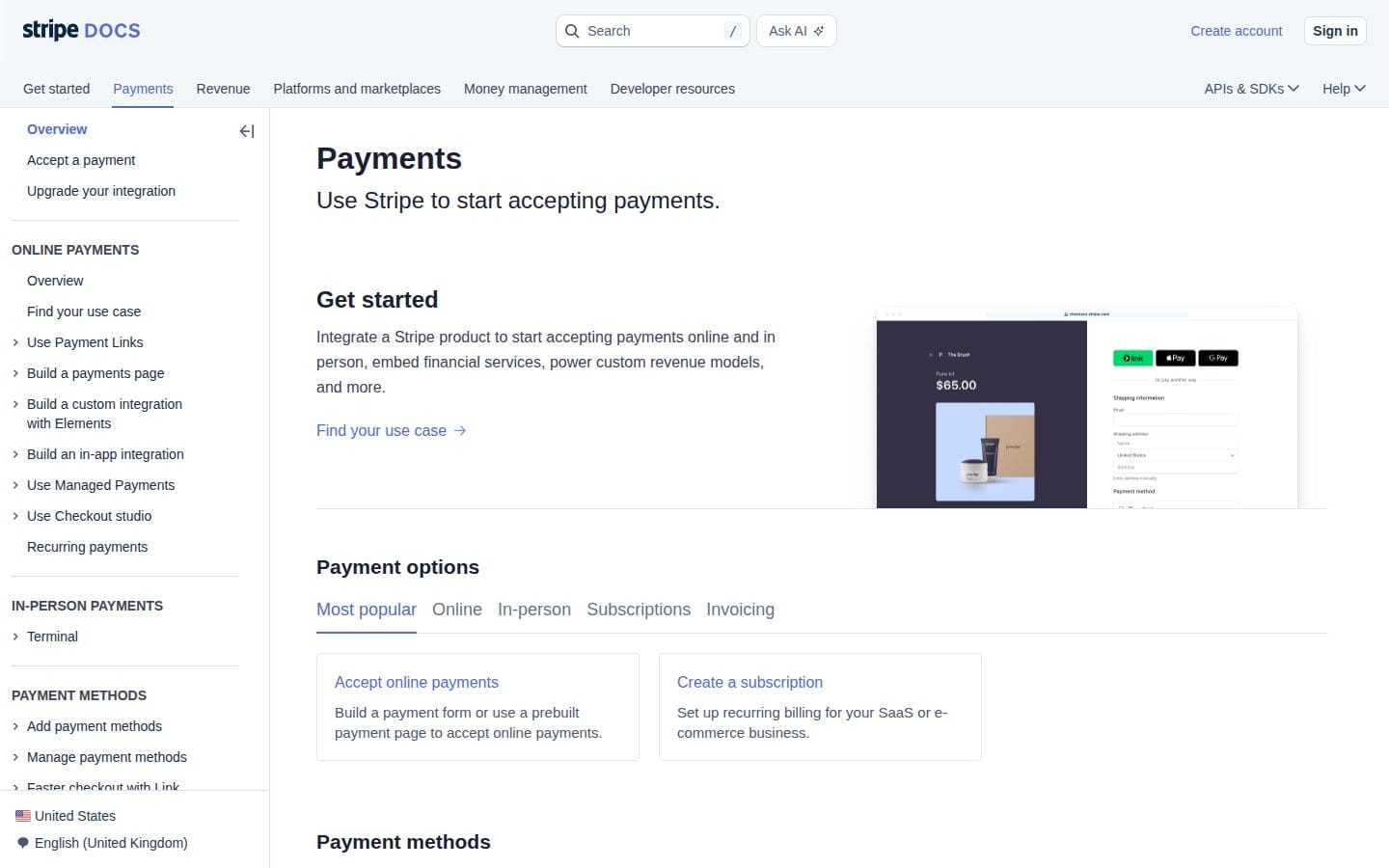
Stripe handles the payment infrastructure most wholesale brands need — recurring billing for subscription-style wholesale accounts, global payment acceptance, and automated tax calculation across jurisdictions.
Strengths
- Subscription and recurring billing management — useful for wholesale accounts on standing orders or monthly invoicing cycles
- Stripe Tax for automated sales tax, VAT, and GST calculation across markets, which matters once you're selling cross-border
- Advanced fraud detection via Stripe Radar, plus developer-friendly APIs for building custom payment flows into your B2B portal
Best fit
Wholesale brands that need flexible, programmable payment infrastructure and global currency support. Bear in mind that Stripe charges per-transaction fees on its core processing — factor that into margin calculations on high-volume, lower-margin wholesale orders.
Adyen
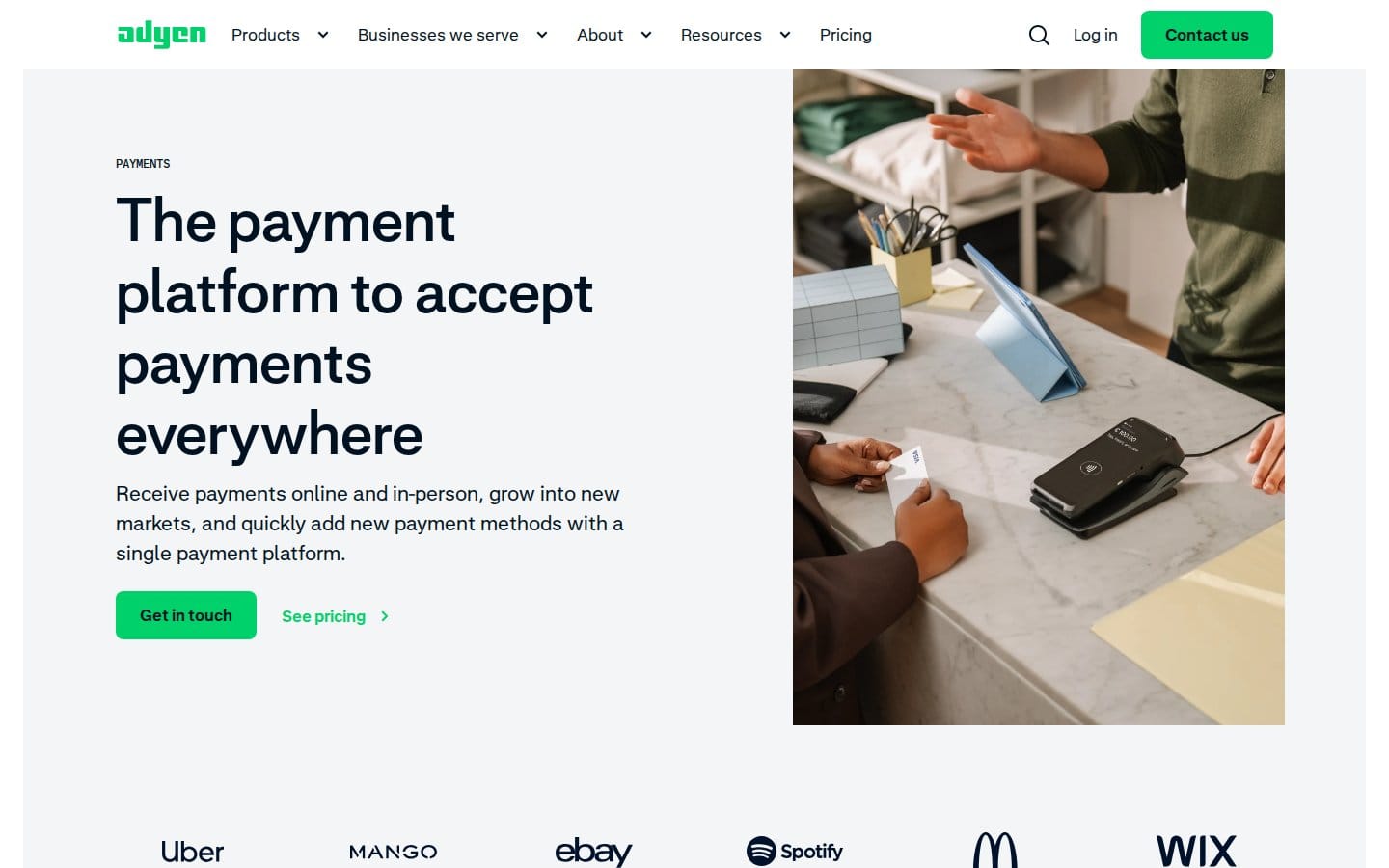
Adyen is built for scale — a unified commerce platform that handles online, in-store, and in-app payments with global acquiring capabilities. That makes it the right call for wholesale operations moving serious transaction volume across multiple markets.
Strengths
- Global acquiring and multi-currency support — accept payments from trade accounts in their local currencies without routing through intermediaries
- RevenueProtect for advanced fraud management, which matters when you're processing large B2B transactions
- Unified commerce across channels — connects cleanly with Adobe Commerce, Shopify, and Salesforce Commerce Cloud
Best fit
High-volume wholesale operations with international reach and the transaction volume to justify the platform. Adyen typically requires a minimum monthly invoice — it's not cost-effective for early-stage operations, but at scale it often works out cheaper per transaction than alternatives.
Shipping and fulfillment
Wholesale fulfillment has different constraints than DTC. You're picking and packing pallet quantities, managing freight rather than parcel shipping, and dealing with retailer compliance requirements for labeling and EDI. The tools here operate at different levels of the stack — one handles physical fulfillment, one handles the label and carrier management layer. For a broader look at sustainable fulfillment infrastructure, we've covered that separately.
ShipBob
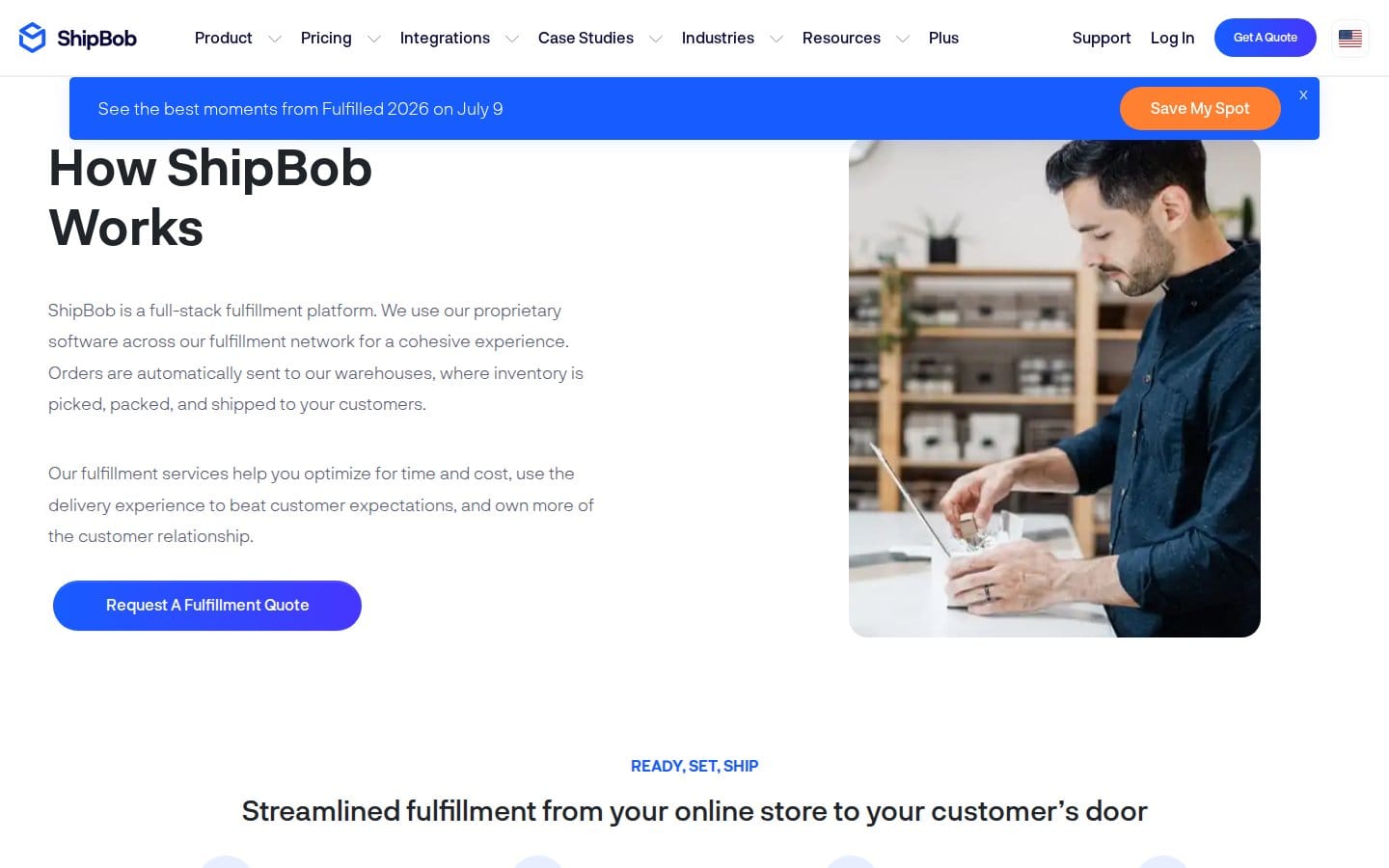
ShipBob is a 3PL (third-party logistics) network — you're not buying software to run your own warehouse, you're outsourcing fulfillment to their 60+ fulfillment centres globally, with real-time inventory tracking across all locations.
Strengths
- Global fulfillment network with real-time inventory management and tracking — split stock across locations to reduce shipping zones and delivery times
- 2-Day Express Shipping for qualifying orders, which matters for B2B buyers who've been trained by Amazon to expect fast delivery
- Returns management built in, with integrations to Loop Returns and Gorgias for the post-purchase workflow — see our guide on managing international e-commerce returns for the broader picture
Best fit
Wholesale brands that want to outsource physical fulfillment rather than run their own warehouse — particularly useful if you're scaling volume faster than you can build warehouse capacity. ShipBob charges processing fees for returns separately from standard fulfillment pricing, so model that into your landed cost per order.
ShipStation
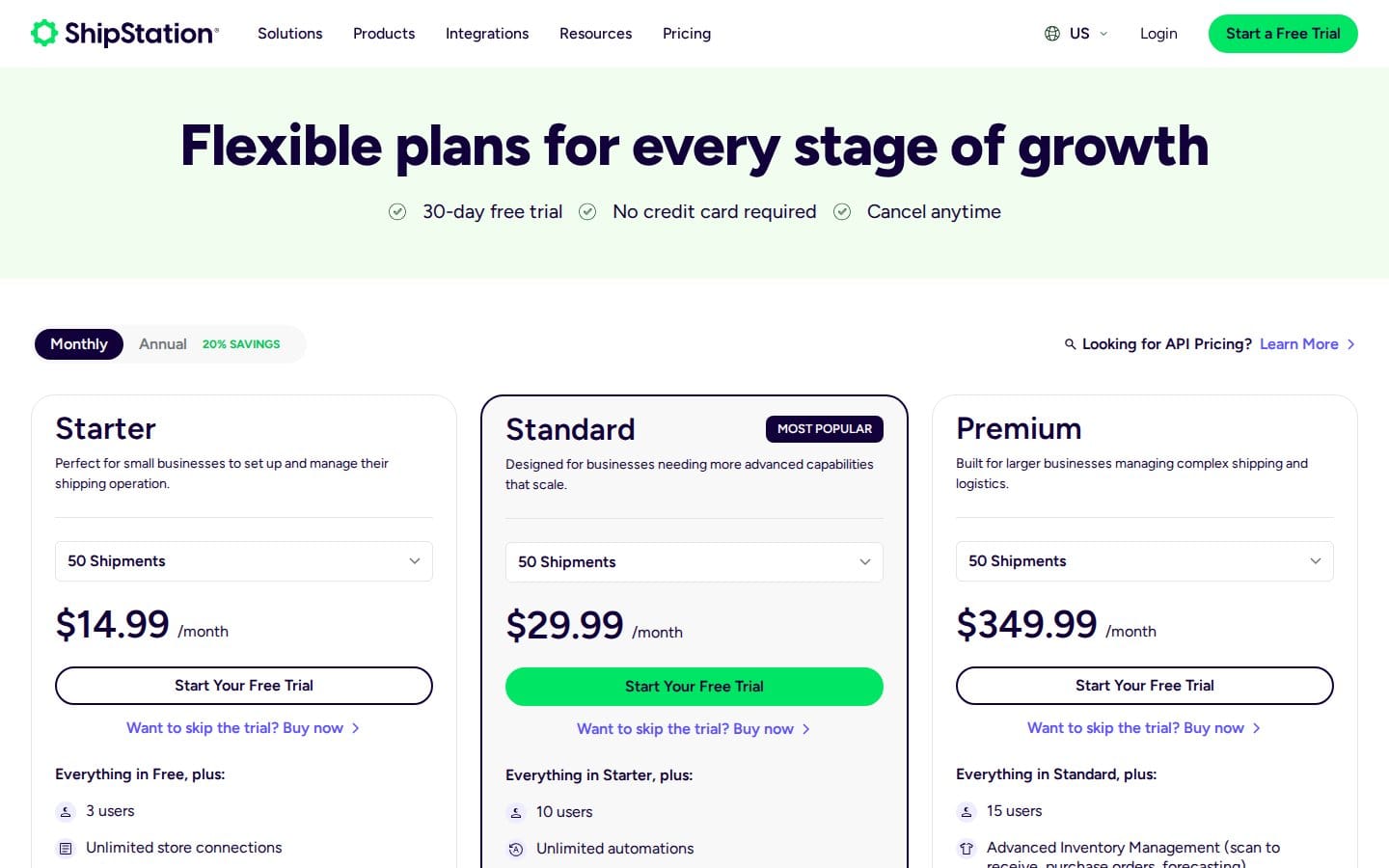
ShipStation sits above the carrier layer — it's a shipping management platform that connects orders from multiple sales channels, shops rates across carriers, and automates label generation and fulfillment workflows.
Strengths
- Automated rate shopping across USPS, UPS, FedEx, and other carriers — useful for finding the best carrier per order based on weight, destination, and speed
- Order management and fulfillment automation rules, including batch printing, split orders, and custom packing slip logic
- Integrates with Shopify, WooCommerce, Amazon, eBay, and ShipBob — connects your storefront to your fulfillment operation without custom development
Best fit
Wholesale brands managing their own warehouse and carrier relationships who need label automation and multi-channel order consolidation. Note that plan assignment is based on monthly shipment volume, not user choice — your plan tier is determined by how much you ship.
Inventory management and compliance
Multi-channel wholesale operations need inventory visibility that spans warehouses, sales channels, and marketplaces simultaneously. And once you're selling packaged goods or products with batteries or textiles into regulated markets, compliance becomes part of operations — not a separate legal concern. Our guide to multi-channel inventory forecasting covers the demand-side of this problem in depth.

Ceendesis
Ceendesis combines multi-channel inventory management, EPR compliance (packaging, textiles, and batteries), and marketplace-to-accounting reconciliation in a single platform. That removes the common problem of running three separate tools for functions that share the same underlying data.
Strengths
- Combines multi-channel inventory, EPR compliance, and marketplace-to-accounting sync in one platform — relevant if you're selling packaged goods or battery-containing products into EU or US markets with EPR obligations
- Built for brands selling on Shopify, Amazon, eBay, Walmart, and TikTok Shop — the channel coverage matches how most wholesale brands actually sell
- Native Xero and QuickBooks reconciliation for marketplace payouts — closes the gap between what marketplaces report and what your accounting system needs to see
Best fit
Built for brands on 2+ marketplaces — overkill for single-channel Shopify-only stores. If you're managing cross-border wholesale with EPR obligations in markets like Germany, France, or the UK, having the compliance layer in the same platform as your inventory data is worth a lot more than bolting it on separately.
Business intelligence and analytics
Wholesale decisions — which accounts to prioritise, which SKUs to discount, where to hold safety stock — need data. Not dashboards built in Excel once a quarter. Real-time visibility into order trends, account performance, and margin by product line. Both tools here can deliver that; they serve different team profiles.
Microsoft Power BI
Microsoft Power BI is the practical choice for most mid-market wholesale operations — particularly those already in the Microsoft 365 ecosystem, where the integration with Excel, SharePoint, and Teams makes adoption significantly faster.

Strengths
- Connects to 100+ data sources including SQL Server, Salesforce, Google Analytics, and Azure — centralise data from your ERP, CRM, and e-commerce platform in one reporting layer
- Power Query Editor for data transformation and cleaning, so analysts can prep messy ERP exports without writing SQL
- AI-driven augmented analytics including Q&A functionality — ops managers can ask plain-English questions of their data without building custom reports
Best fit
Wholesale operations already running Microsoft 365 that want BI without a dedicated data engineering team. The free Power BI Desktop version is limited to personal use and doesn't support sharing or collaboration — team reporting requires a paid licence.
Looker
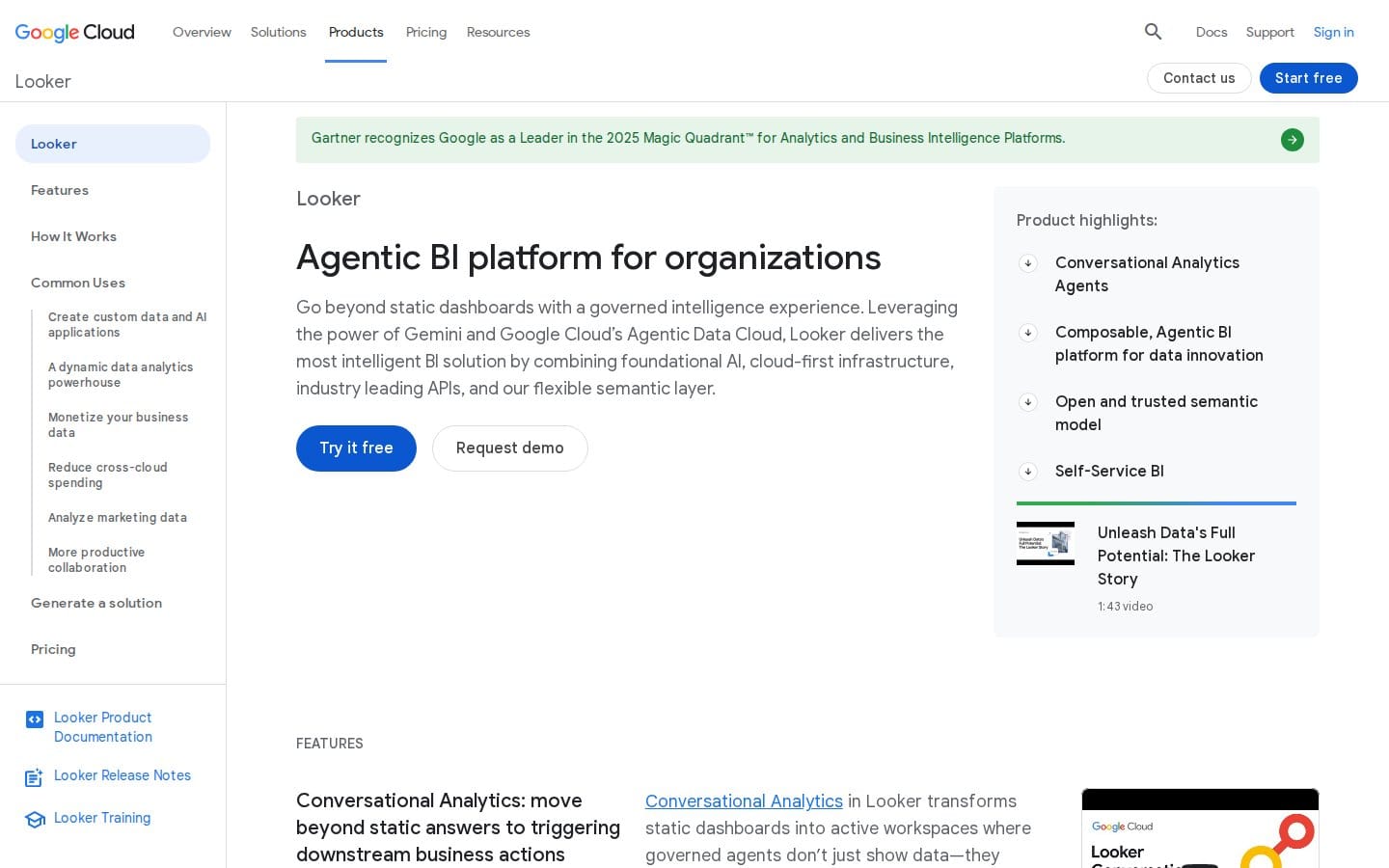
Looker (part of Google Cloud) is the enterprise BI option. It's built around a centralised data modelling layer called LookML, which means every metric in the business is defined once and consistently applied across all reports and dashboards.
Strengths
- Integration with 50+ databases including BigQuery, Snowflake, and Amazon Redshift — the right fit if your data warehouse is already in cloud infrastructure
- Embedded analytics capabilities for building B2B buyer-facing reports (account performance dashboards, order history) directly into your portal
- Gemini-powered AI assistants for self-service data exploration without requiring every user to understand LookML
Best fit
Enterprise wholesale operations with a data team that can build and maintain LookML models. LookML requires upfront modelling work — it's not a plug-and-play BI tool, and without that foundation, you won't get the consistency benefits Looker is built around.
Enterprise resource planning (ERP)
The ERP is the backbone of the stack. Without ERP integration, you don't have real-time inventory visibility, accurate order processing, or synchronised financial data — you have multiple systems each holding a slightly different version of the truth. For dynamic safety stock calculations, the ERP's real-time data is what makes those models actually work.
Epicor
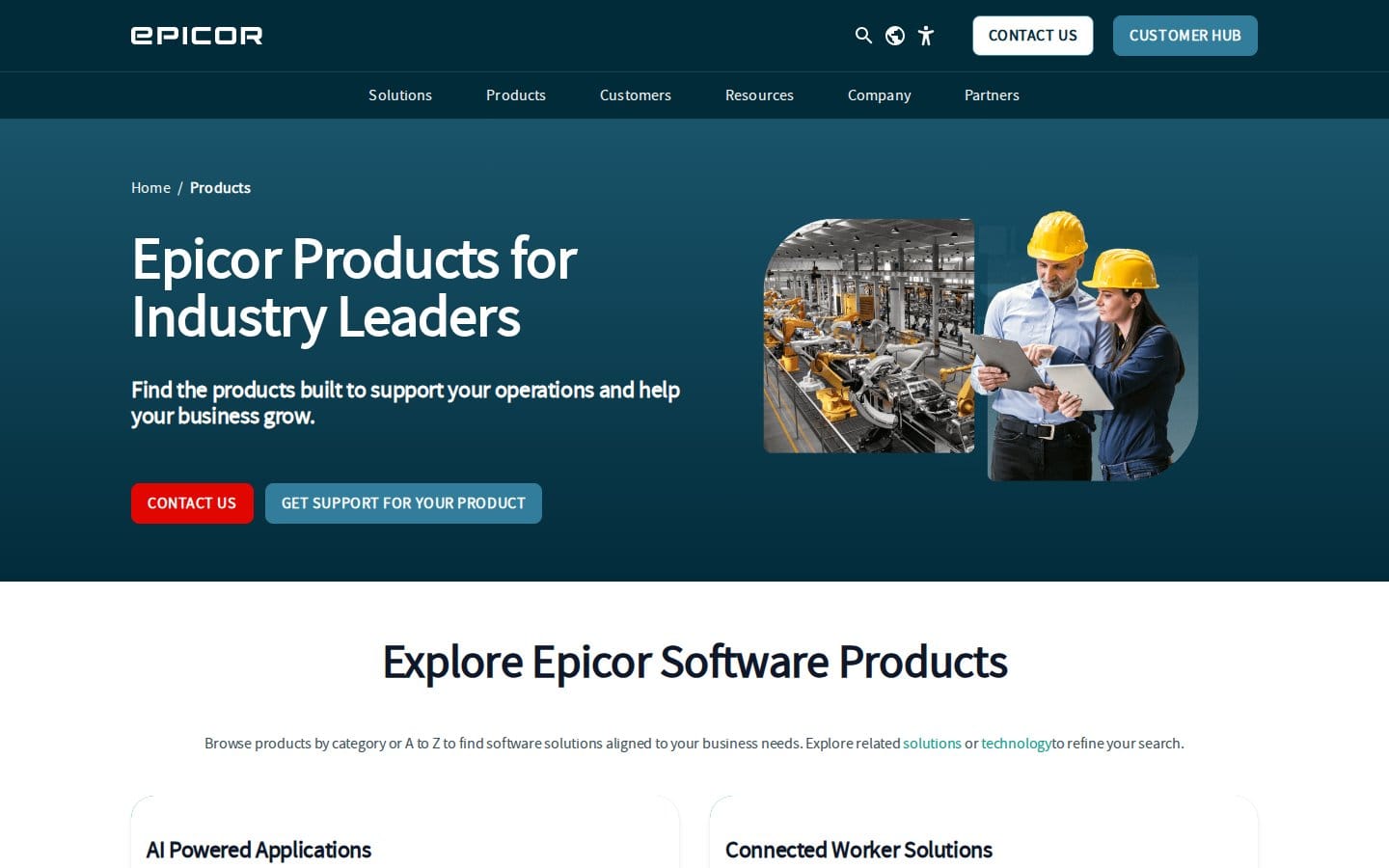
Epicor is an industry-specific ERP built for manufacturing, distribution, and wholesale — not a horizontal ERP that's been configured for these sectors, but one designed around them from the ground up.
Strengths
- Supply chain management and manufacturing execution software in the same platform — useful for wholesale brands that also manufacture or do light assembly
- AI-powered applications across ERP modules, plus data management, integration, and analytics built in rather than added via third-party connectors
- Connects to CRM platforms (including Salesforce), e-commerce platforms, 3PL/logistics providers, and BI tools — designed to sit at the centre of the stack
Best fit
Mid-market to enterprise wholesale and distribution operations that need industry-specific ERP depth. Base pricing typically excludes implementation services, data migration, third-party integrations, and premium modules — implementation cost is a real budget line that needs to go into any Epicor evaluation.
The stack at a glance
| Category | Tool | Free tier | Best integration |
|---|---|---|---|
| E-commerce platform | Adobe Commerce | No | SAP, NetSuite, Adobe Experience Cloud |
| E-commerce platform | OroCommerce | Yes (Community Edition) | SAP, Salesforce, Microsoft Dynamics |
| CRM | HubSpot | Yes | Gmail, Outlook, QuickBooks, Salesforce |
| CRM | Salesforce | Yes (2 users) | MuleSoft, Tableau, Slack, Epicor |
| B2B payments | Stripe | Yes (pay-per-use) | Shopify, QuickBooks, Salesforce |
| B2B payments | Adyen | No | Adobe Commerce, Salesforce Commerce Cloud |
| Shipping and fulfillment | ShipBob | Yes (usage-based) | Shopify, Amazon, Walmart, ShipStation |
| Shipping and fulfillment | ShipStation | No | Shopify, WooCommerce, Amazon, ShipBob |
| Inventory and compliance | Ceendesis | No | Shopify, Amazon, eBay, Walmart, Xero, QuickBooks |
| Business intelligence | Microsoft Power BI | Yes (Desktop, personal) | Microsoft 365, SQL Server, Salesforce |
| Business intelligence | Looker | Yes (trial) | BigQuery, Snowflake, Salesforce, HubSpot |
| ERP | Epicor | No | Salesforce, 3PL/logistics, BI tools |
Frequently asked questions
What software is needed for B2B e-commerce?
At minimum: a B2B-capable e-commerce platform, a CRM, and a payment processor. As operations scale, you'll add an ERP for central data management, an OMS or WMS for fulfillment, and a BI tool for reporting. Depending on what you sell and where, you may also need a PIM for catalog management and a compliance layer for regulatory obligations. A planned B2B commerce tech stack typically covers platform, ERP, CRM, OMS, and PIM as core layers — the stack in this article covers the majority of those functional areas.
What is the difference between a B2B and B2C tech stack?
The functional categories are similar — platform, payments, fulfillment, analytics — but the requirements in each category differ significantly. B2C platforms are built for individual shoppers with simple pricing and fast checkout. B2B platforms must handle account-based pricing, tiered volume discounts, multi-user roles, approval workflows, purchase orders, and net payment terms. A Shopify store with a wholesale app can handle early-stage B2B, but once you're managing hundreds of accounts with different pricing structures, you'll outgrow that approach quickly. For fashion brands running both channels, our omnichannel fashion tech stack article covers that dual-channel setup in more detail.
How do you manage wholesale inventory and orders?
The standard architecture uses an ERP as the central record for inventory data, with a WMS or IMS handling the warehouse and fulfillment layer. The ERP holds stock levels, supplier lead times, and reorder points. The WMS handles physical picking, packing, and dispatch. Your e-commerce platform reads stock availability from the ERP in real time so buyers never order products you can't fulfill. For brands on multiple channels simultaneously, multi-channel inventory forecasting adds a demand-planning layer on top of that. The key is a single source of truth — once inventory data lives in multiple disconnected systems, you'll oversell.
How do I create a B2B ordering system?
Start with a platform that natively supports B2B features — corporate account creation, custom pricing per account or account group, minimum order quantities, and a quote or RFQ workflow. OroCommerce handles this natively; Adobe Commerce covers it at enterprise scale. Layer in a CRM to manage account relationships, a payment processor that supports net terms or invoice-based billing, and an ERP to keep inventory and order data synchronised across the business. Most brands start with a simpler bundled approach and migrate to a modular best-of-breed stack as volume grows — the hard part isn't the tooling, it's getting your data model right before you start connecting systems. If you're adding B2B to an existing Shopify operation, our guide to building a modular e-commerce stack covers the integration sequencing well.
What to prioritise at each stage
Not every layer in this stack is essential from day one. Here's an honest read on sequencing.
Early-stage wholesale (under a few hundred active accounts): get the e-commerce platform right first — OroCommerce Community Edition or a B2B-capable Shopify setup — paired with HubSpot's free CRM and Stripe for payments. ShipStation covers the shipping layer. That's a functional stack without major spend. At this stage, a full ERP is usually overkill — a strong inventory management tool handles what you need.
Growth stage (hundreds of accounts, multiple channels, international ambition): this is when ERP becomes non-negotiable. Epicor or an equivalent gives you the real-time inventory and financial data synchronisation that a patchwork of apps can't replicate. Upgrade your CRM to Salesforce if your sales team is large enough to justify it. Add Power BI to start building reporting across your data sources. And if you're selling into EU markets with EPR obligations on packaging, batteries, or textiles, get compliance into the stack before regulators find you — not after. Our guides on EU Battery Digital Product Passport requirements and EU Textile Digital Product Passport compliance cover what's coming on those fronts.
Enterprise stage: Adobe Commerce or a full OroCommerce Enterprise deployment, Salesforce with custom objects for your account hierarchy, Adyen for payment scale, Looker on top of a proper data warehouse, and Epicor as the operational core. At that point, the integrations between layers matter as much as the tools themselves — budget for implementation properly.
The stack works. The sequencing is what catches most brands out.
Screenshots are from each tool's public pricing or features page, captured June 2026. We are not affiliated with any third-party tool listed unless explicitly noted.