
Slash Picking Errors: A 2026 Batch Picking Guide
Your warehouse team picked 340 orders last Tuesday. Your error rate was 2.3%. That sounds fine — until you realise it means nearly 8 wrong orders, each one costing you a return, a replacement, a customer service ticket, and a chunk of your margin. And if your pickers are still walking individual orders one at a time? You're also burning through labour hours you can't afford.
Batch picking fixes both problems at once. Group multiple orders together, send one picker down one aisle once, scan everything, sort it out at the pack station — done. But the difference between batch picking that works and batch picking that creates more chaos than it solves is almost entirely about the workflow you build around it. This guide walks through exactly that, for real e-commerce warehouses running on real budgets.
What is Batch Picking (and Why Does It Matter in 2026)?
Batch picking groups multiple orders that share common SKUs into a single picking assignment. Instead of one picker walking the warehouse to fulfil one order at a time, they collect items for — typically — four to twelve orders in a single trip, using a trolley or tote system to keep everything organised. The sorting happens later, at a dedicated pack station.
The maths is simple but the impact is significant. A picker completing individual orders might walk three to five kilometres per shift just in travel. Batching that same workload can cut travel distance by a substantial margin — the exact figure depends on your warehouse layout and SKU distribution, but the principle is consistent: fewer trips across the same physical space means more picks per hour.
And in 2026, that efficiency gap matters more than it used to. Carrier surcharges, rising warehouse rents, and tighter same-day and next-day SLAs have compressed fulfilment margins across the board. Workflow automation at every stage has moved from "nice to have" to a genuine competitive requirement. Batch picking is the lowest-cost, highest-impact place to start.
Here's the thing: most SME warehouses — the 5 to 50 person operations we work with every day — haven't implemented proper batch picking because they assume it requires expensive automation or a full WMS. It doesn't. You need a decent IMS, a handful of barcode scanners, and a process your team will actually follow.
The Essential Tech: Barcode Scanners and Your Inventory Management System
The technology floor for batch picking is lower than most people think. You don't need put-to-light systems or robotic picking arms. What you do need is non-negotiable: mobile barcode scanners and an IMS that generates pick lists by location.
Mobile Barcode Scanners
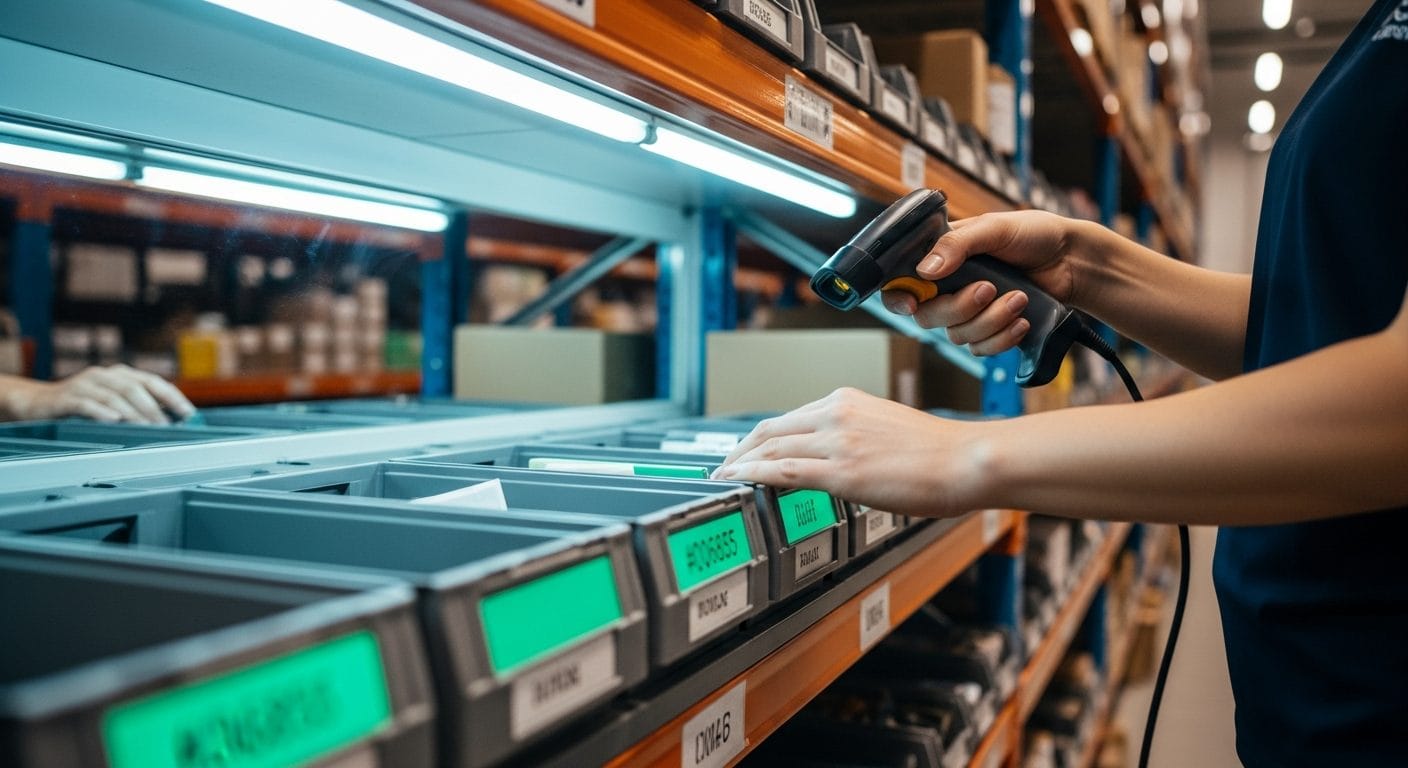
Handheld scanners — or scanner-equipped mobile devices — serve two functions in a batch picking workflow. First, they verify that the picker has grabbed the right item at the right quantity. Second, they confirm the sort at the pack station, checking that each item lands in the correct order tote before it gets boxed. Both scan points are where errors get caught, not just recorded.
For an SME warehouse, a mid-range Android-based handheld (Zebra TC-series, Honeywell Dolphin) running your IMS's warehouse app is perfectly adequate. Purpose-built scanners are faster and more durable than smartphones, and the per-unit cost — typically in the £200–£500 range — pays back quickly against reduced returns and repack labour. Our 2D barcode fulfilment guide for 2026 covers scanner selection and label format decisions in detail if you're starting from scratch.
Your IMS: The Engine Behind Efficient Batches
A spreadsheet can't batch pick. Neither can a basic order management tool that just shows you a list of orders. What you need is a system that understands your warehouse — specifically, your bin locations — and uses that data to group orders intelligently and sequence picks by physical location rather than order number.
The core features you need from your IMS for batch picking are:
- Batch creation by SKU overlap — the system identifies orders that share items and groups them automatically, rather than leaving you to do it manually
- Location-sequenced pick lists — picks are ordered by bin location so the picker moves through the warehouse in a logical path, not back and forth
- Real-time inventory deduction — stock levels update as picks are confirmed, preventing two pickers from simultaneously pulling the last unit of a SKU
- Scan-to-verify at sort — a second scan confirmation at the pack station before packing, which is where most errors would otherwise slip through
- Performance data — picks per hour, error rates by picker, by SKU, by time of day — the data you need to actually improve
Ceendesis IMS handles all of this, and it syncs orders from Amazon, Shopify, eBay, Etsy, and Walmart into a single queue — so if you're selling across Shopify and Amazon simultaneously, your batch pick list reflects the full, real-time order picture, not a stale export from one channel.
Step-by-Step: How to Implement a Barcode-Powered Batch Picking Workflow
Let's make this concrete. Here's how a functional batch picking workflow looks in a small-to-mid-size e-commerce warehouse.
Step 1: Set Up Your Warehouse Location System
Before you can sequence picks, every bin, shelf, and location needs a scannable label with a logical code. A simple alphanumeric system works fine: A01-01 (Aisle A, Bay 01, Shelf 01). Without this, your IMS can't sequence anything sensibly, and your pick lists will be as random as a manual paper list.
Step 2: Configure Batch Parameters in Your IMS
Decide on your batch size — how many orders per batch — based on your order profile and tote capacity. A common starting point for e-commerce fulfilment is six to ten orders per batch, using a multi-compartment trolley with one tote per order. If your average order is three to four items, a batch of eight keeps pick complexity manageable without requiring massive sorting effort at the pack station.
Your IMS should let you set rules for batch creation: maximum items per batch, SKU overlap threshold, order age (to prevent older orders from getting bumped repeatedly), and channel priority (you might want FBA replenishment pulled separately from DTC orders, for example).
Step 3: Print or Push the Batch Pick List
When a batch is generated, the pick list goes to the picker's handheld device, sequenced by bin location. Each line shows: SKU, description, bin location, quantity needed, and — critically — which order tote each unit belongs to. The picker doesn't need to think about which order gets what. They just follow the sequence and scan.
Step 4: Pick and Scan at the Shelf
The picker scans the bin location, then scans the item barcode. The system confirms the match (or flags a mismatch immediately — no silent errors). If the quantity is correct, the item goes into the designated tote. Move to the next line. That's it.
When we were running our own fulfilment operation, the moment we introduced scan-to-pick was the moment returns from wrong items dropped to near-zero. The scan doesn't slow you down — experienced pickers barely notice it after a week. What it does do is make errors impossible to miss in real time rather than three days later when a customer emails.
Step 5: Sort and Scan at the Pack Station
This is the step most guides skip, and it's where the real error elimination happens. As each tote arrives at the pack station, the packer scans each item against the order before boxing it. This catches any items that ended up in the wrong tote during the pick — which does happen, especially during busy periods. Think of it as a final quality gate.
Step 6: Close the Batch and Update Stock
Once all orders in the batch are packed, the IMS closes the batch, deducts stock across every channel, and marks the orders as fulfilled. Multi-channel stock levels update in real time. No manual reconciliation. No oversells on channels that weren't updated.
Batch Picking vs. Wave Picking: Choosing the Right Strategy
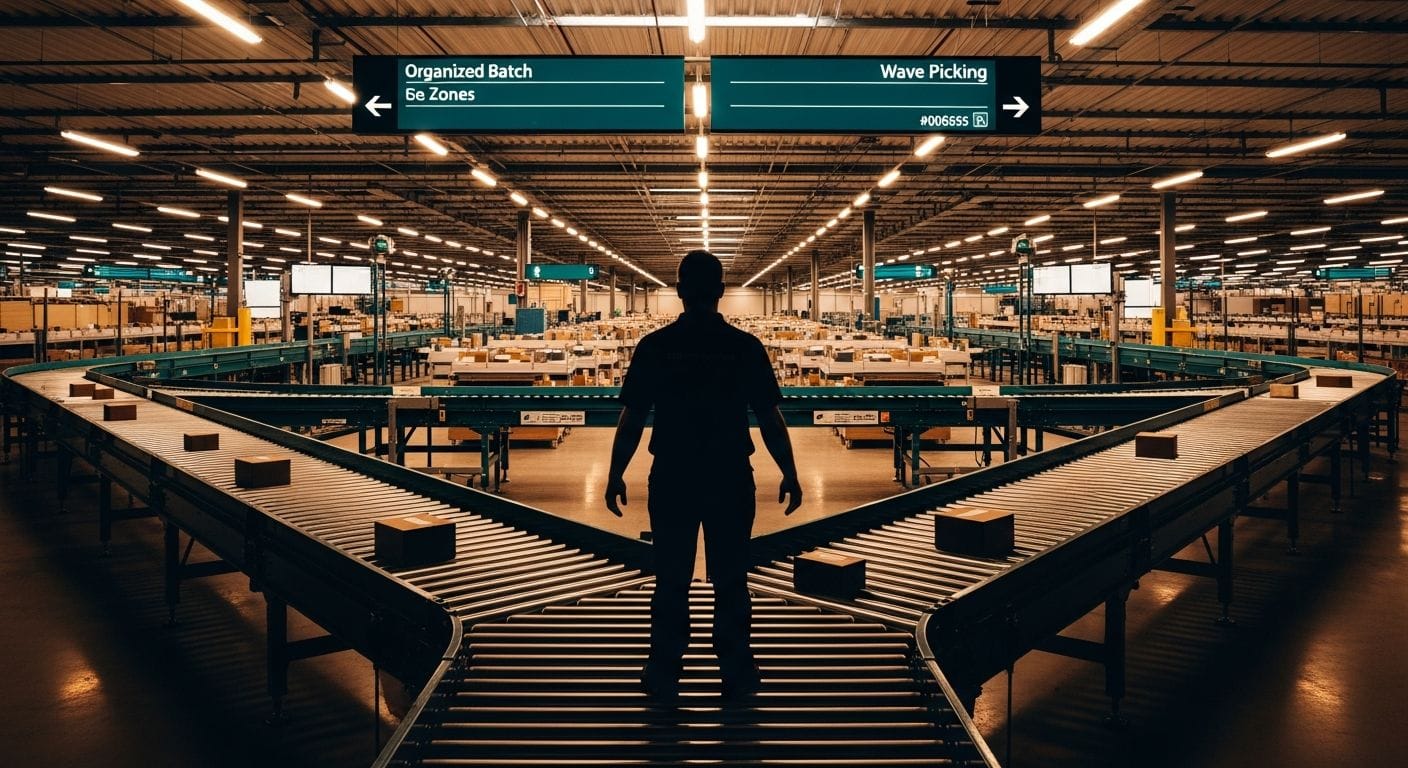
Batch picking and wave picking get conflated a lot, but they solve different problems. Understanding the distinction will help you decide which fits your operation — or whether you need both.
| Factor | Batch Picking | Wave Picking |
|---|---|---|
| Definition | One picker collects items for multiple orders in a single trip | All orders are released in timed waves; pickers work simultaneously across the warehouse |
| Primary benefit | Reduces individual picker travel time | Synchronises fulfilment with carrier collection windows |
| Best for | SME warehouses, high SKU overlap, lower order volumes | Larger operations, strict carrier cutoffs, complex warehouse zones |
| Technology required | IMS with batch creation and scan-to-pick | WMS with wave scheduling, zone management, labour allocation |
| Sorting complexity | Medium — sort at pack station | Lower per picker, but requires coordinated handoffs |
| Implementation difficulty | Low to medium — achievable in 1–2 weeks | Medium to high — often requires WMS project |
| Risk of errors | Low with scan-to-pick and sort scan | Low, but handoff points introduce additional risk |
For most e-commerce brands doing up to a few hundred orders a day, batch picking is the right call. Wave picking makes sense when you have multiple carrier collections and need to sequence fulfilment around them — or when your warehouse is large enough that zone-based picking is more efficient than a single picker covering the whole floor.
The good news is that a well-integrated IMS can support both, releasing waves of batches timed to your carrier schedule. You get the travel efficiency of batching and the timing control of waves without needing a full enterprise WMS. Managing stock buffers across channels alongside this gives you the complete picture of what's available to pick in real time.
Frankly, most small brands overthink this decision. Start with simple batch picking. Get your error rate down, measure your picks per hour, then decide whether wave scheduling adds enough value to justify the extra configuration.
Measuring Success: Key KPIs to Track for Optimal Performance
Implementing batch picking without measuring it is like adjusting a recipe without tasting the food. You need numbers to know if it's working — and to know where to improve.
Pick Rate (Units Per Hour)
This is your primary productivity metric. Measure it before you implement batching as a baseline, then track it weekly after. A well-implemented batch picking workflow will typically show meaningful improvement over individual order picking within the first month — though the exact uplift depends on your warehouse layout, SKU concentration, and order profile.
Order Accuracy Rate
Track the percentage of orders shipped without error. Your IMS should give you this directly from scan confirmation data — any batch where the sort scan flagged a mismatch and it was corrected counts as prevented error, not shipped error. If you're not already tracking this, start now. A single percentage point improvement in accuracy across hundreds of daily orders translates directly into margin.
Pick Path Efficiency
This one requires your IMS to log bin visit data. Are pickers completing the sequenced route, or are they deviating? Consistent deviations often signal that your bin location naming is confusing, that high-velocity SKUs are poorly positioned, or that the batch size is too large for your tote system. It's data worth having.
Batch Completion Time
How long does the average batch take from pick list generation to pack station handoff? Track this by batch size and by picker. Outliers in either direction tell you something — a consistently slow picker might need retraining or a different assignment, and a consistently fast one might be skipping the scan steps (check their error rate alongside their speed).
Cost Per Pick
Labour cost divided by total picks. This is the number that makes the business case for batch picking clearer than any other metric. If you're paying £14/hour all-in and your picker does 80 units per hour individually, that's 17.5p per pick. Lift that to 130 units per hour with batching and the same cost drops to around 10.8p. At 5,000 picks per day, that difference adds up fast.
The operations manager view in Ceendesis IMS surfaces all of these metrics in a single dashboard, pulling from live pick confirmation data rather than requiring manual reports. If you want to see current pricing and plans, they're on the website.
And if your operation is also dealing with compliance obligations — EPR requirements are expanding globally in 2026, and fulfilment operations that handle packaging are increasingly in scope — it's worth knowing that packaging compliance sits alongside IMS in the same platform. Fewer systems, fewer integrations to maintain.
Frequently Asked Questions
What is the difference between batch picking and wave picking?
Batch picking sends one picker to collect items for multiple orders in a single warehouse trip, reducing travel time. Wave picking releases all orders (or a large group) simultaneously across the warehouse, with multiple pickers working in parallel — it's optimised for timing fulfilment to carrier collection windows rather than purely reducing travel distance. Many operations use both together: timed waves of batches.
How does barcode scanning improve picking accuracy?
Barcode scanning improves picking accuracy by creating a real-time verification step at both the shelf (confirming the right item was picked) and the pack station (confirming the right item is in the right order tote). Errors that would previously reach the customer — and trigger returns, replacements, and support tickets — are caught and corrected before the box is sealed. The result is an accuracy rate that approaches the mechanical limit of your process rather than the human limit of your staff's attention.
What are the main benefits of implementing a batch picking system?
The main benefits are reduced picker travel time, higher picks per hour, lower error rates (when combined with scan-to-pick), and lower cost per unit fulfilled. Secondary benefits include better labour utilisation during peak periods, cleaner inventory data from real-time scan confirmations, and a workflow that scales without proportional headcount increases — you can handle significantly more orders per shift without adding pickers once the system is tuned.
Getting Started
Batch picking isn't complicated. The workflow we've described above can be operational in one to two weeks for most SME warehouses — a week to get your bin locations labelled and your IMS configured, a few days to train your team, and then a fortnight of measurement to tune your batch sizes and pick sequences. The hard part isn't the technology. It's committing to the discipline of scanning every item, every time, without shortcuts.
If you want to see how Ceendesis IMS handles batch creation, location sequencing, and pick confirmation across all your channels, the full feature breakdown is here. And if you're thinking about the broader picture of building an operation that scales — from inventory to reverse logistics to inter-warehouse transfers — the answers are in the same system. One source of truth for your inventory means every part of your operation works from the same numbers. That, more than anything else, is what eliminates errors.